

Gugxiom PCIe to USB 3.2 Gen 2 Card, USB PCIe Card with 4xType C 4xType A Ports, PCI Express Expansion for Win System Desktop PC
$30.00
Price when purchased online
Free shipping
Free 30-day returns
Sold and shipped by mrsameh-ramadan.com
We aim to show you accurate product information. Manufacturers, suppliers and others provide what you see here.
$30.00
Price when purchased online
Free shipping
Free 30-day returns
Sold and shipped by mrsameh-ramadan.com
Free 30-day returns Details
Product details
| Management number | 216219875 | Release Date | 2026/04/19 | List Price | $12.00 | Model Number | 216219875 | ||
|---|---|---|---|---|---|---|---|---|---|
| Category | |||||||||
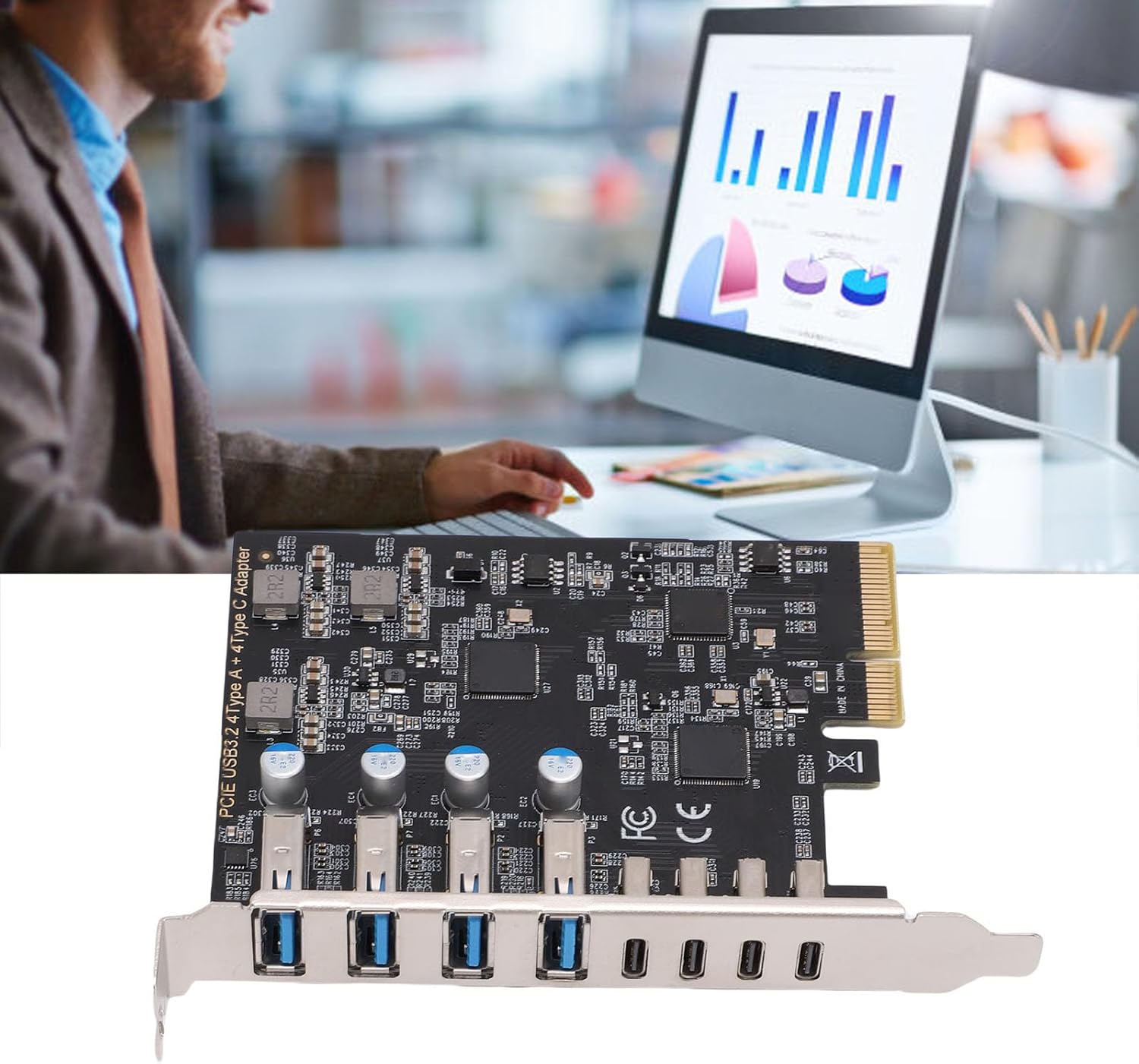
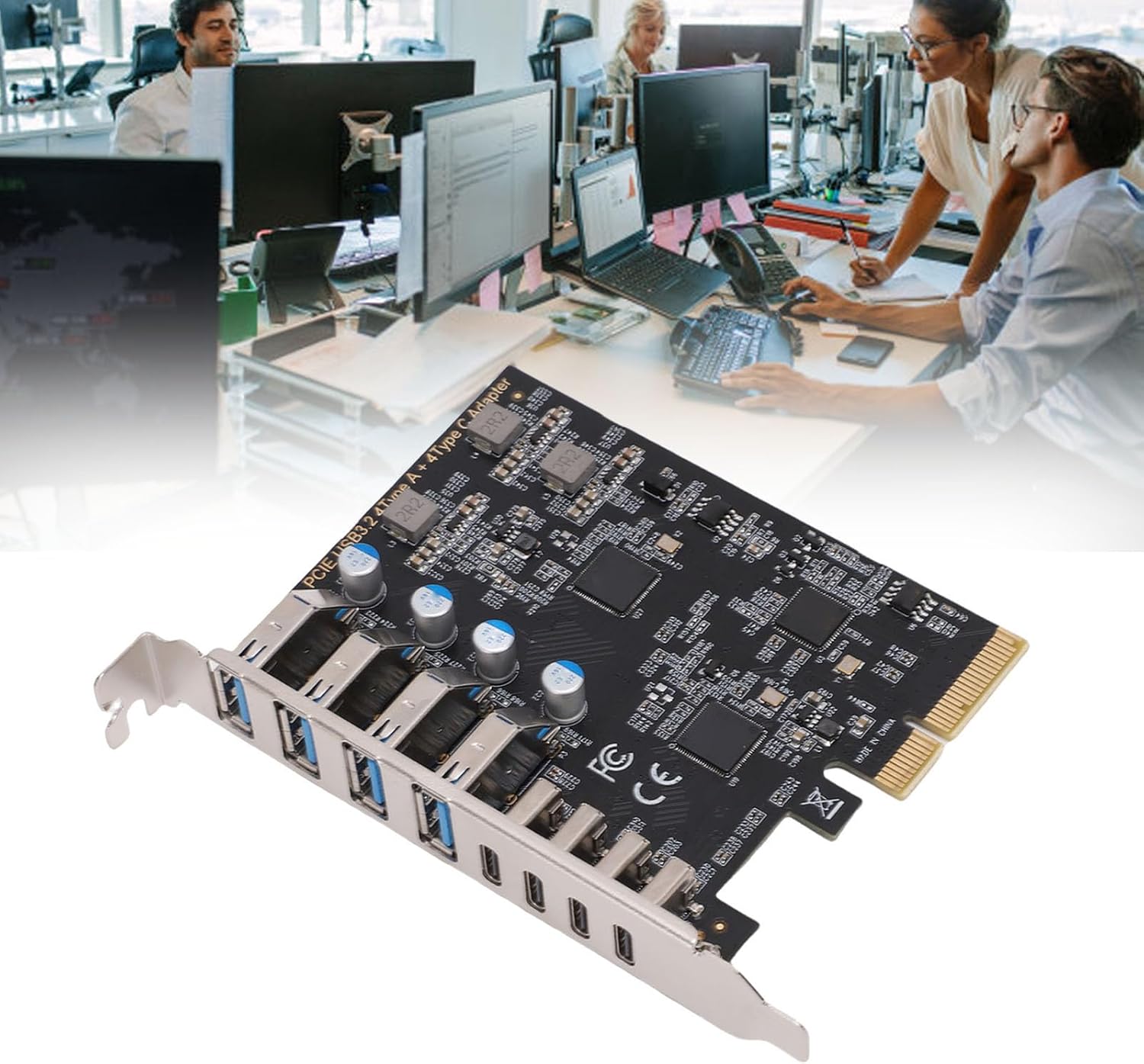
- EXPAND TYPE C CONNECTIVITY: This PCIe to USB 3.2 Gen 2 card adds 4 USB Type C and 4 USB Type A ports to your desktop, supporting 10Gbps data transfer speeds. Ideal for connecting external storage, VR headsets, or gaming controllers, it enhances your PC's connectivity without requiring external power.
- FAST DATA TRANSFERS: The PCI express expansion card delivers USB 3.2 Gen 2 speeds up to 10Gbps, transferring a 2GB file in just 1.6 seconds. Note: Bandwidth is shared when multiple ports are used simultaneously, and it does not support PD fast charging, video signal transmission (DisplayPort, High Definition Multimedia Interface, VGA display conversion), or the Type C support for Thunderbolt protocol .
- PLUG AND PLAY: For users running support for Win 10 or higher, this USB 3.2 Gen 2 PCIe card offers a easy installation experience with plug and play functionality, supports for Win, for Linux, and for OS X systems, suitable for PCIe x4, x8, or x16 slots. Note: In PCIe 2.0 systems, the maximum transfer rate may be lower than in PCIe 3.0 or later versions.
- STABLE AND EASY TO USE: This USB expansion card connects internally via the PCI Express slot without requiring external power, ensuring a stable connection and enhanced data transfer speeds. It eliminates disconnection issues commonly faced with external USB hubs.
- SIMPLE INSTALLATION PROCESS: Installing the USB expansion card is quick and easy. Ensure your computer is powered down before installation. Simply insert the card into the PCIe slot, secure it with screws, and for narrow cases, use the included low profile bracket, while exercising caution with sharpened edges when removing the case.



Correction of product information
If you notice any omissions or errors in the product information on this page, please use the correction request form below.
Correction Request Form